What's New - Plaud
Release notes
Keep up with Plaud's latest releases, improvements and fixes.
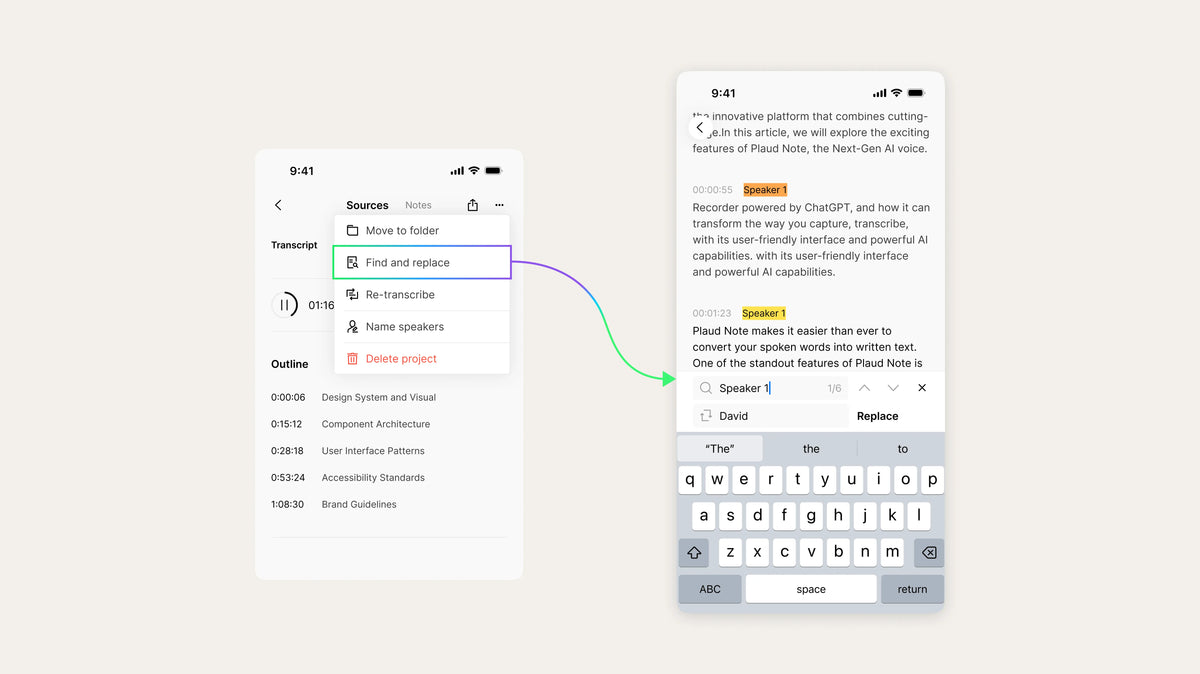
Find & Replace now supports searching and replacing speaker names for easier editing. This works for both Plaud Web and App.
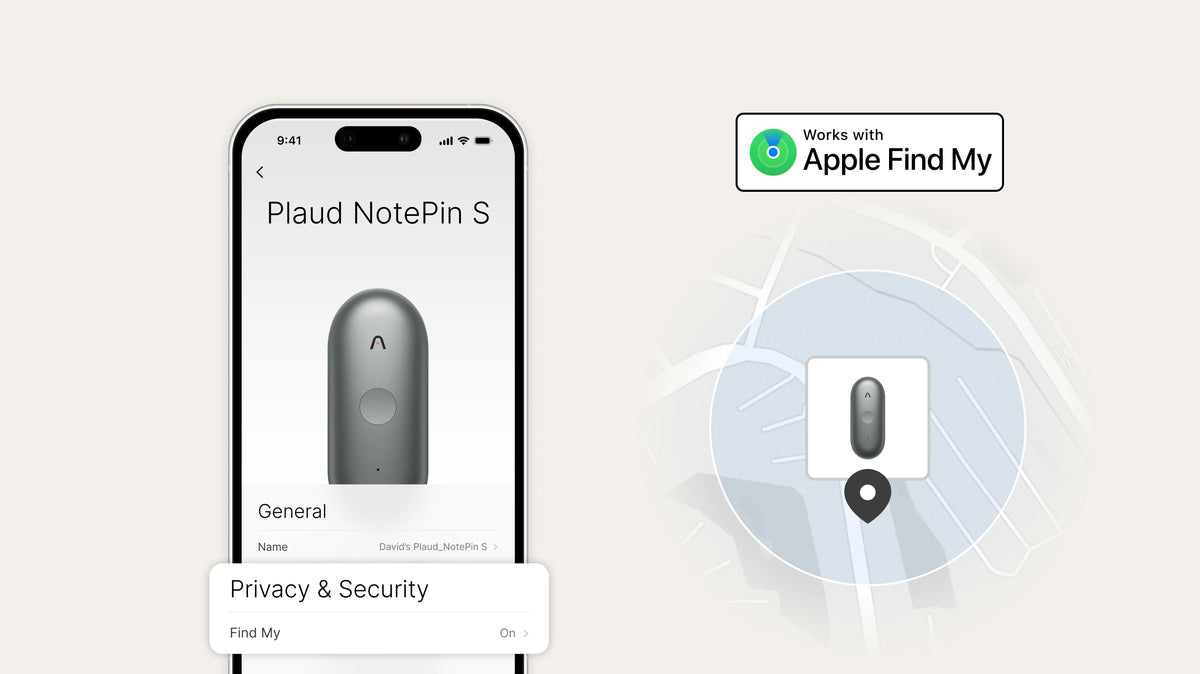
Plaud NotePin S now supports Apple Find My, so you never have to worry about misplacing your device. Once enabled in the Plaud app, your NotePin S can be added under the Items tab in Find My on your iPhone, iPad, or Mac where you can check its location on the map.
-
Audio Management Your audio files’ timestamps on your Plaud App are now localized to your device’s language/region and 12/24 hour settings.
-
Multimodal Input Photos captured in Recording Highlights are now clearer, with improved readability and reduced blurry text.
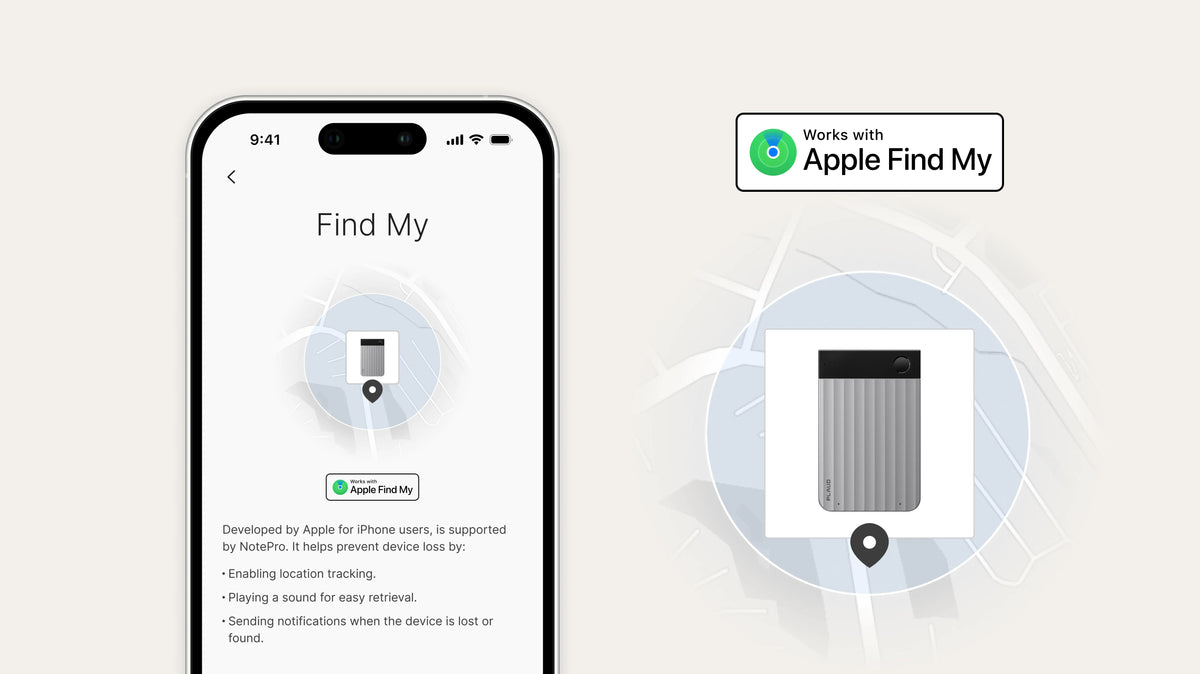
Plaud Note Pro can now be located using the Apple Find My app, making it easier to keep track of your device at any time. Add your device to Find My and view its location directly from your iPhone, iPad, or Mac.
*Requires firmware version 1.5.
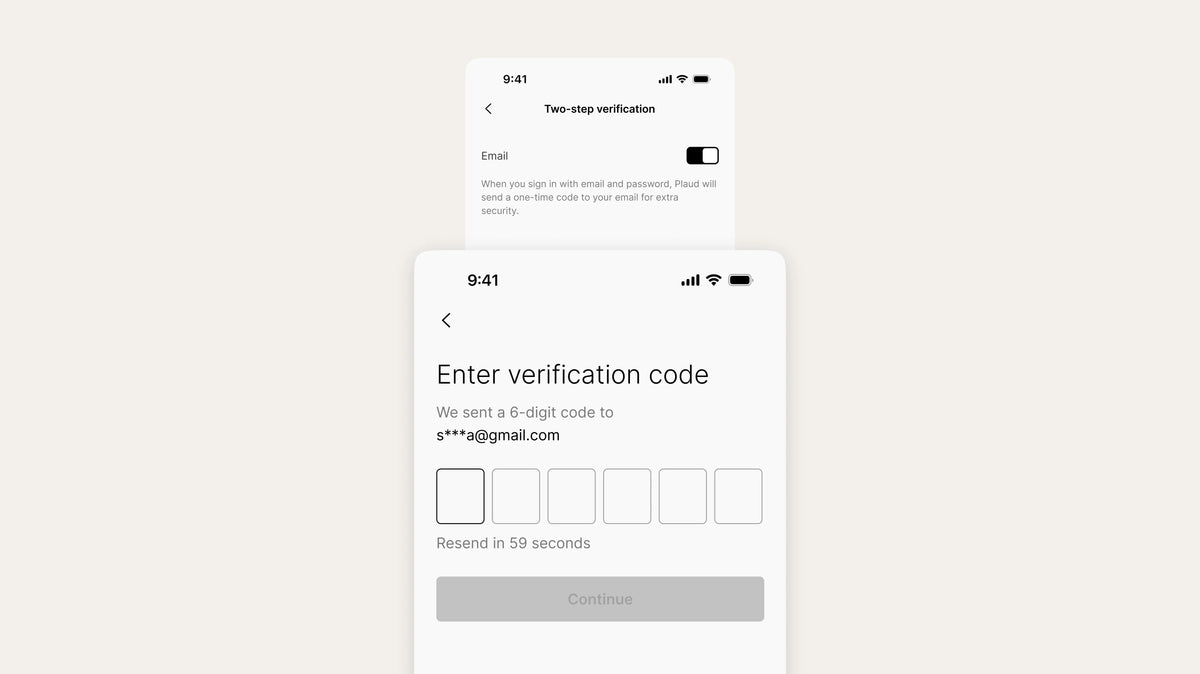
Two-step verification is now available for email logins. Once enabled, a verification code will be required after password entry. Turn it on in your account settings for stronger security.
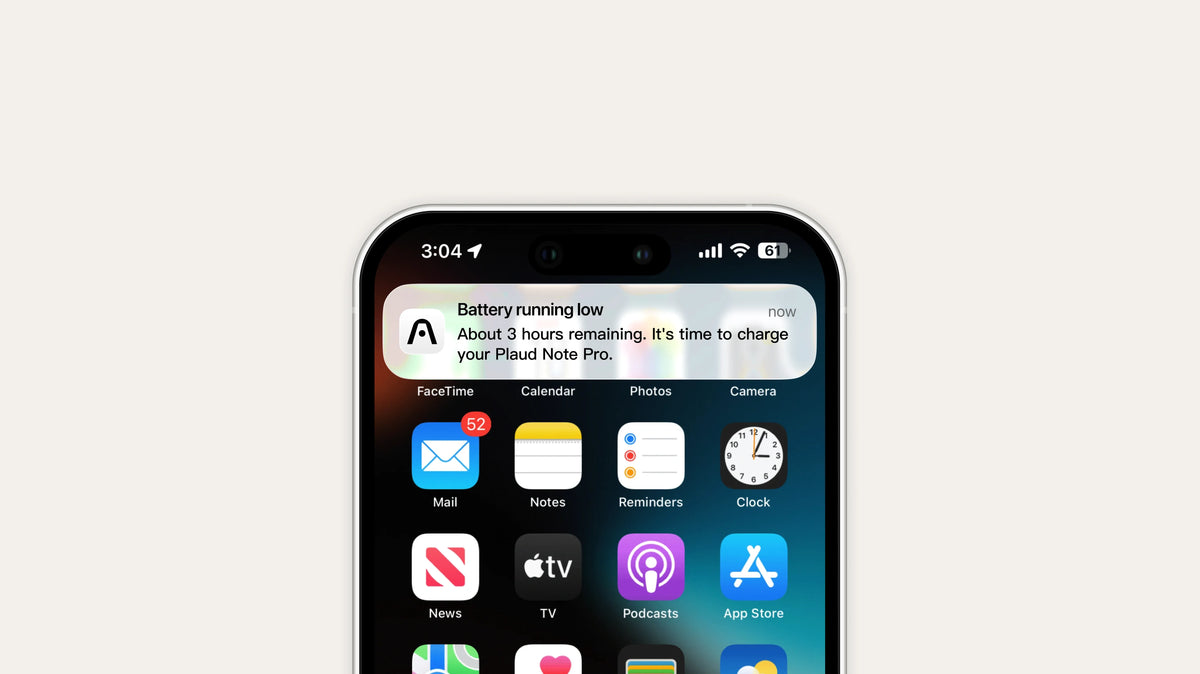
Low-battery notifications are now available to help you avoid missed recordings when your Plaud device runs low on power. Enable it in your preferences to stay informed.
-
Plaud Web Now supports Cmd/Ctrl+click to open files, sidebar items, Membership Center, and more in a new tab..
-
Audio Management Merged recordings now use the earliest file’s timestamp, making it easier to organize content by when it actually happened..
-
Device Management Added estimated remaining recording time in device management page for quick remaining-time checks. Supported on Plaud Note Pro and Plaud NotePin S only.
Plaud Desktop extends our intelligence from offline to online. It automatically detects when a video meeting begins on Zoom, Google Meet, or Teams and captures it in real time, securely and natively without a bot. Now, you can keep all your notes organized and accessible across the Plaud App and Plaud Web.
Ask Plaud now supports Skills. Choose from over 15 built-in skills or create up to 10 custom skills using your own prompts. Skills are organized into Recommended, My Skills, and All Skills for easier access.
Ask Plaud now lets you turn meeting transcripts into clear, shareable infographics in seconds.
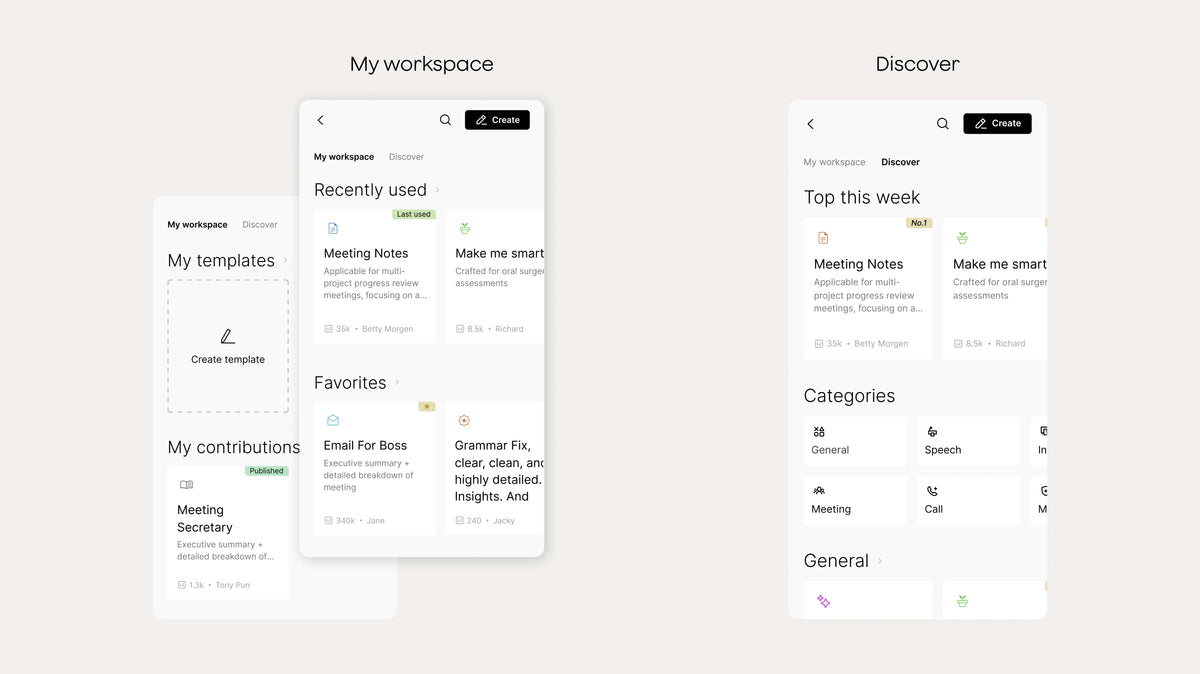
My Workspace brings your frequently used, favorite, and personal templates into one focused space, making it easier to continue your work without searching. Discover remains the home for exploring over 10,000 community templates across industries.
Custom templates are now private by default and can be used immediately after creation. Users can edit, publish, or delete their templates anytime, without review delays. This gives users full control and faster access to the templates they rely on for their work.
Trusted Sharing lets you share audio, transcript, summary or highlights while staying fully in control. You can decide who gets access, what they see, and how long it’s available—so information is shared easily and securely.
-
AI speech enhancement Now available on Plaud Web. Improves voice clarity for clearer playback.
-
File search Now available on Plaud Web. Enables search across all cloud-synced files.